Pocket Bard Comes to Desktop (and a Whole Lot More)
Hey, everyone – Nick here.
If you’ve been waiting for Pocket Bard to land on your Desktop machine, today’s the day! But honestly, Desktop is just the headline. We’ve also got new music, a brand-new collection, support for two additional languages, a fully redesigned website (hopefully you knew about that one already 😉), and a look at where Desktop is headed next.
Grab a coffee (or a mug of hot grog, dealer’s choice) and let’s get into it. (And if you’d rather watch than read, Chase walks through all of this in the launch video.)
The Cozy (Lo-Fi) Collection
We’ve been deliberately almost painfully vague about a certain secret project for a while now. If you caught our last roadmap video, you might remember Austin getting a little defensive about it. Well, it’s finally here. And guess what – IT’S FREE FOR ALL USERS.
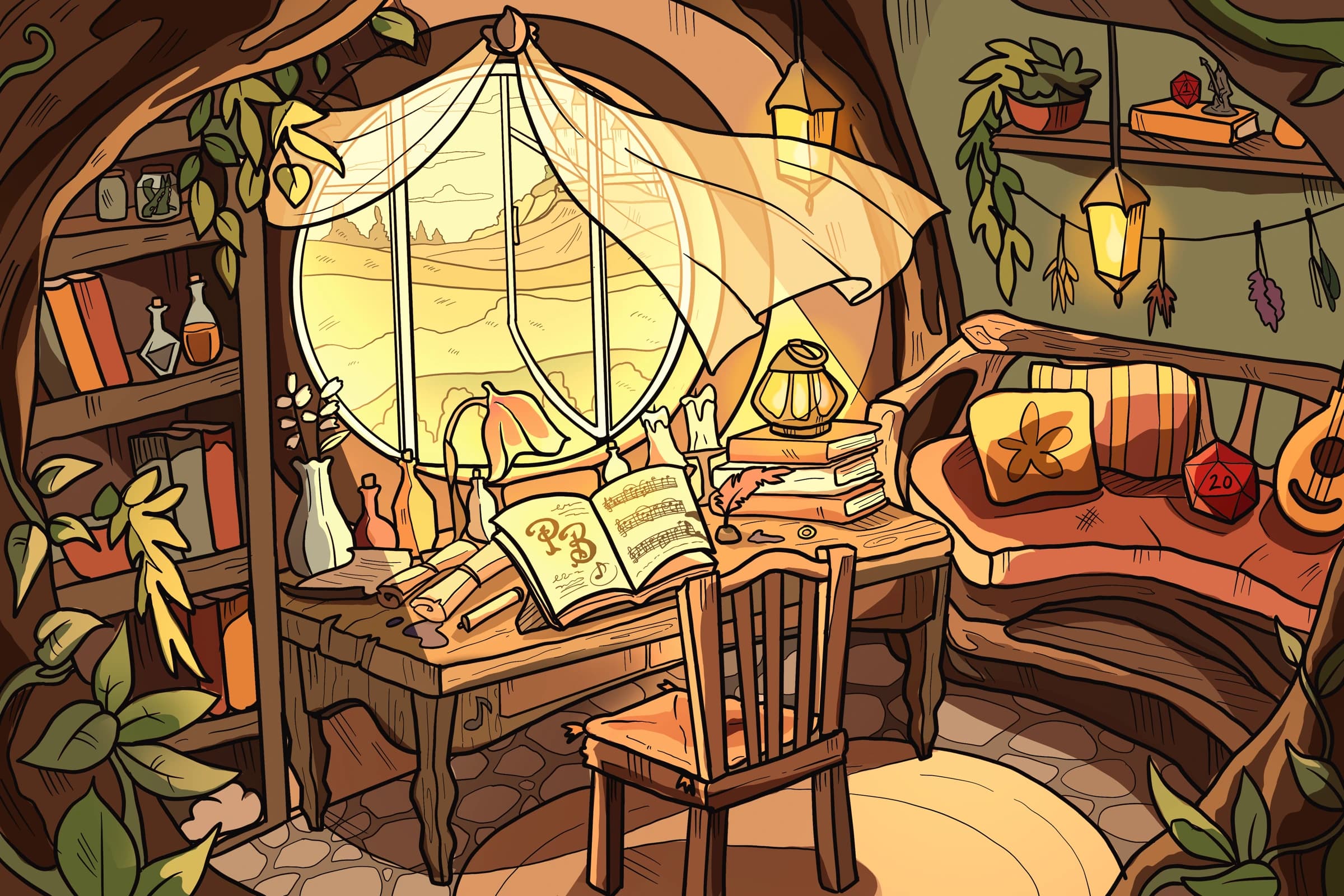
The Cozy (Lo-Fi) Collection launches as three lo-fi inspired scenes: Nook, Night Sky, and Garden. All three scenes are incredibly unique from everything else we’ve brought to the app thus far. Soft, gentle melodies, sampled drums and bass, and silky synths – the kind of music that can make a session feel like curled up in a blanket! Austin created these scenes to be ideal companions of TTRPGs like Stewpot, Wanderhome, or Ryuutama – that kind of vibe.
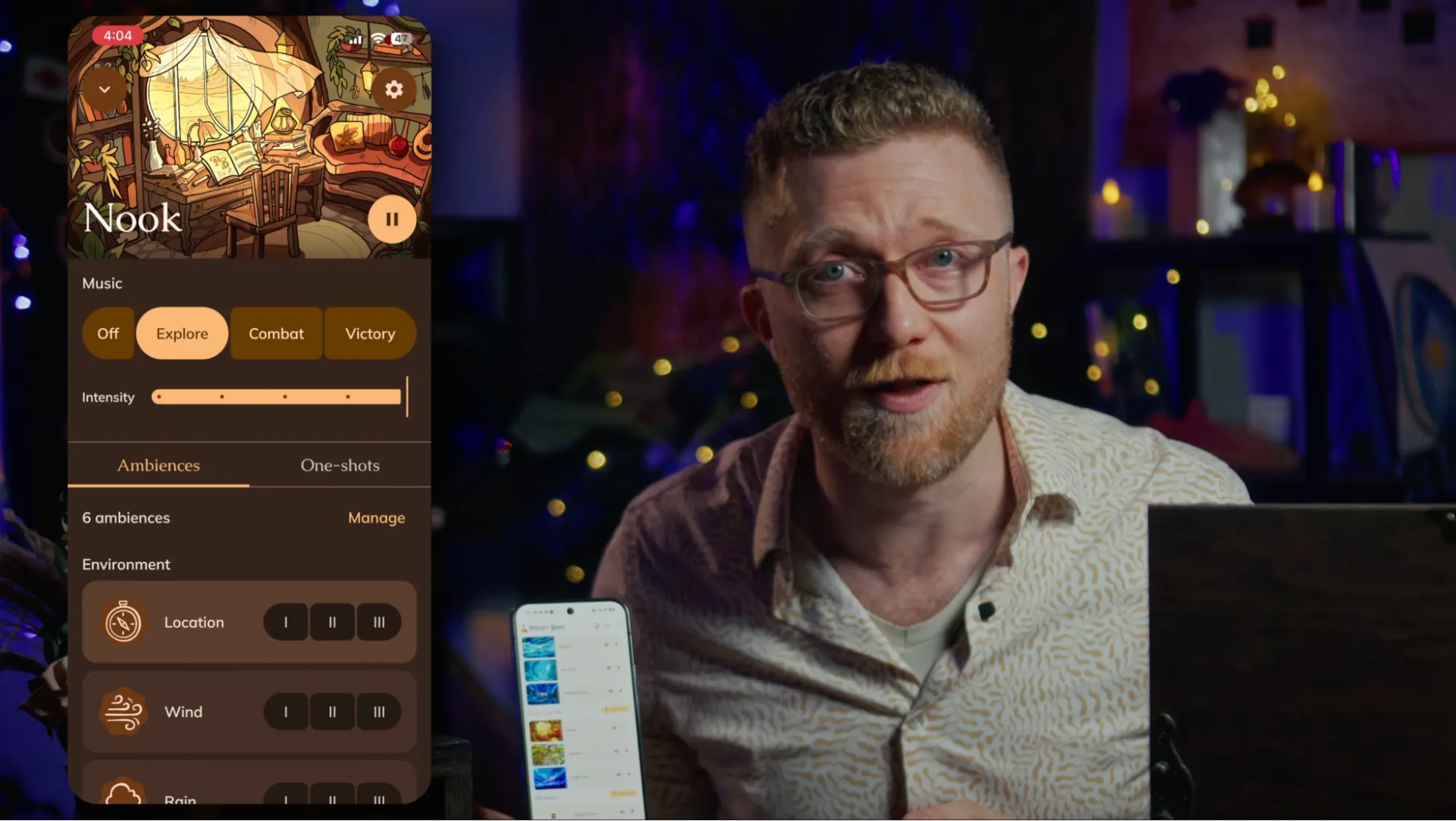
Here’s what makes it different from anything else in Pocket Bard – and, frankly, from most of the TTRPG audio space right now. Austin built a brand-new algorithm that lets these three tracks generate countless variations on the fly. And just like all of the music, sound, and art in Pocket Bard: this system is not generative AI. This music and algorithm is human crafted, and built specifically for (theoretically) endless lo-fi vibes at the table.
I genuinely think it’s one of the coolest things we’ve made so far, and the “how” is worth understanding. That’s why Austin and I made a full video essay breaking down exactly how it works and what it means for your sessions. Austin also takes the essay to wax philosophical on topics ranging from the history of immersive tools for TTRPGs, the history of on-the-fly music, and AI’s influence on the current gaming landscape. Shameless plug, but I hope you give it a watch on YouTube when it drops!
Two Additional Languages
This next one means a lot to us as a team.
When we launched localization, we started with English, Spanish, and French and asked for any and all multi-lingual users to shoot us a message if they thought they could help us move forward with additional languages. Wow – y’all showed up! Thanks to some incredibly generous folks in our community who are both fluent in their language and deep in the TTRPG world, Pocket Bard now supports five languages:
English, Spanish, French, Brazilian Portuguese, and German.
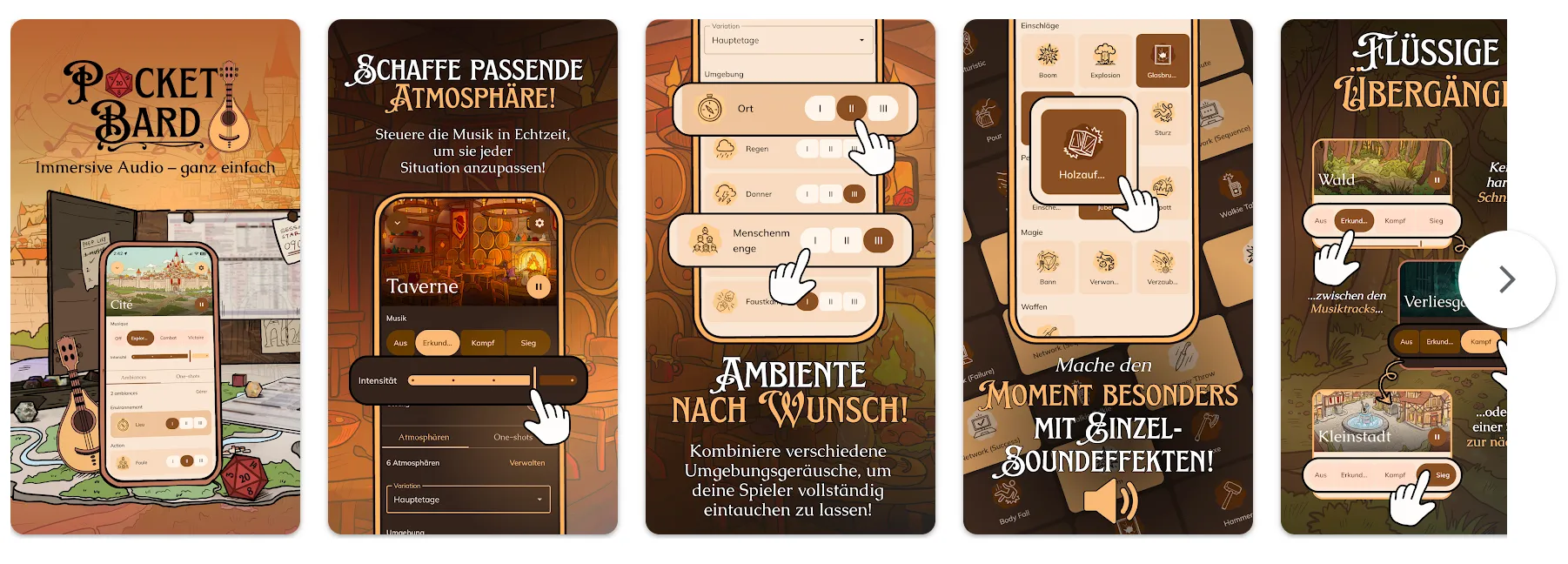
Getting TTRPG terminology translated properly across languages is a genuinely hard task, and having native speakers who actually understand the game assist us get it right is something we’re really proud of. If you’re bilingual and you know your way around a character sheet, please reach out. There are languages we haven’t gotten to yet, and we want to do them justice. Oh, and if you have any notes on words or phrases that could use a second look, hit me up! I oversee this project personally, and I’m always looking for feedback: nick@pocketbard.app
A Brand-New Website
I mean, you’re already here… what do you think?
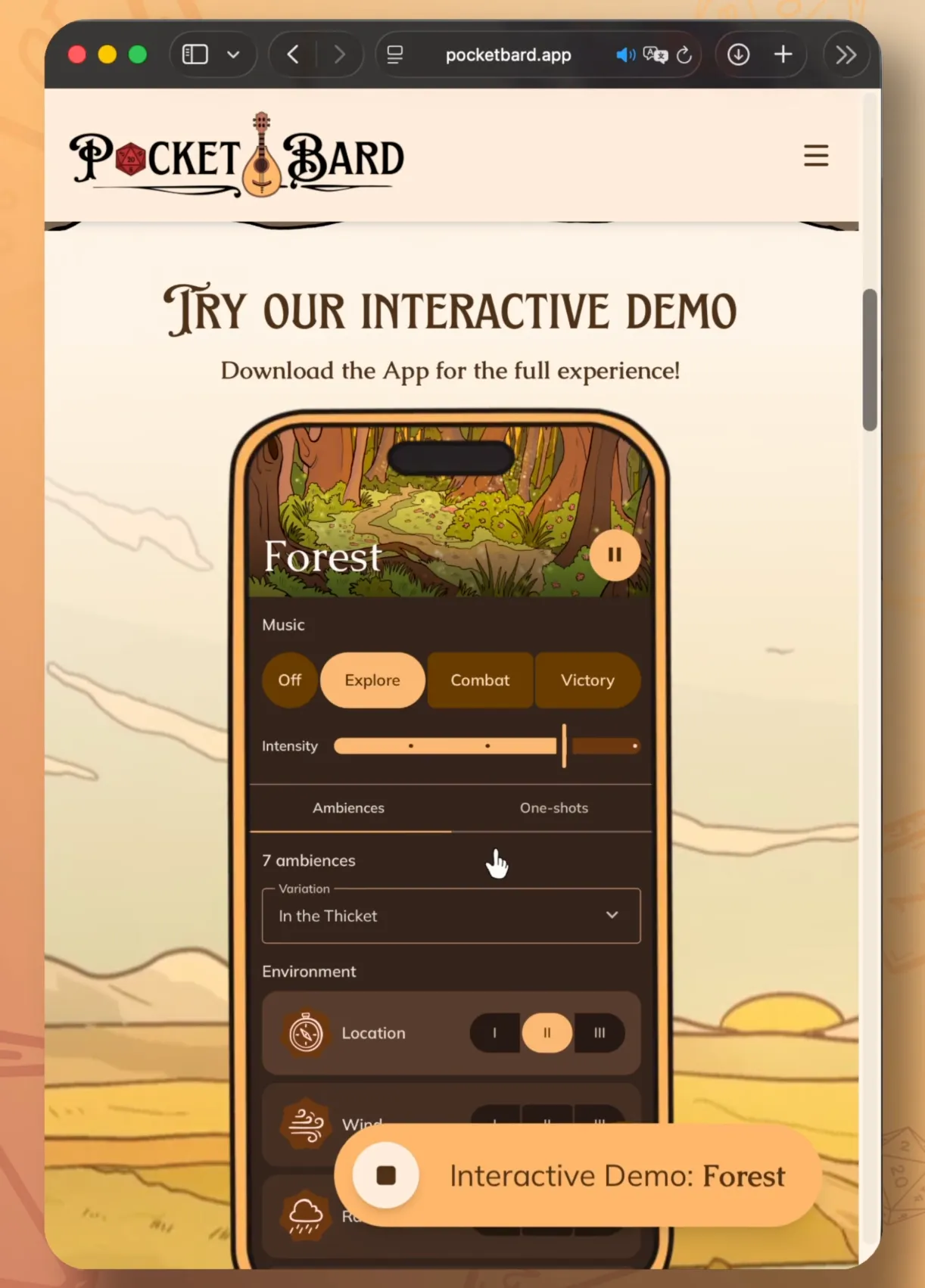
It’s a complete redesign! A total website facelift, if you will. Aesthetics aside, there’s some really amazing tech under the hood now as well. We’ve added an interactive Pocket Bard demo right on the home page. So if you’ve got a friend who’s never heard of us, or someone on the fence, you can just send them to pocketbard.app and they can experience what it actually feels like – all without having to download or install a single thing!
Huge shout out to Emily, Jeanette, and the Dev Team for spearheading this one. We’re really happy with how it turned out and we hope you like it too!
So Long, Desktop Beta
Before the main event, a quick moment of silence for the Pocket Bard Desktop Beta.
…
Its design was dated, getting it to successfully download was… a journey (to put it nicely), and it was sorely lacking in the amazing content and features that we’ve implemented to the mobile version since October, 2025. It wasn’t perfect, but it showed up. And now it’s time to let it go. Everything it was building toward is finally here. Rest easy, little beta…
… Alright, enough of that, let’s talk about what’s replacing it.
Pocket Bard Is Now on Windows (& Mac, Too!)
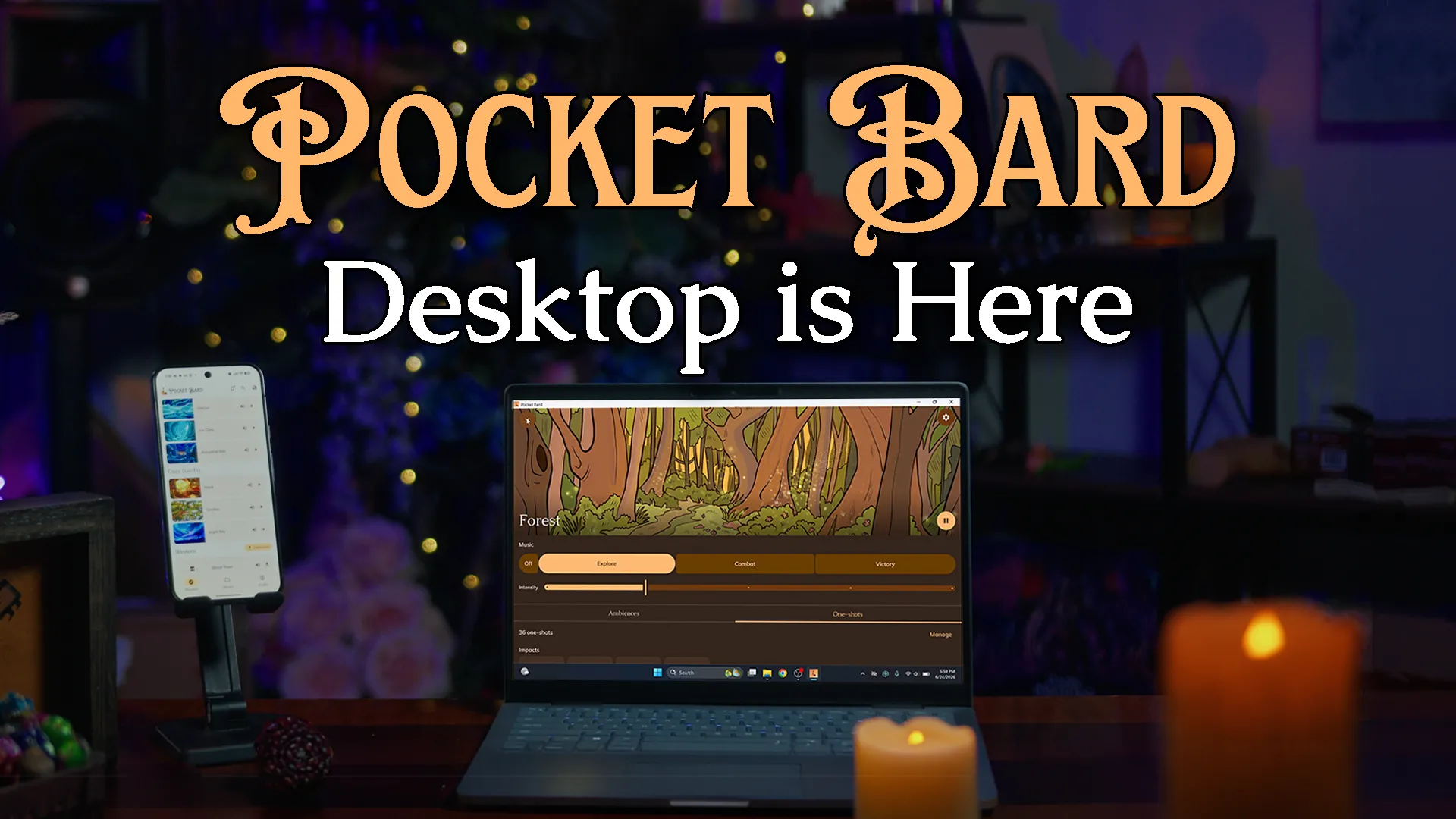
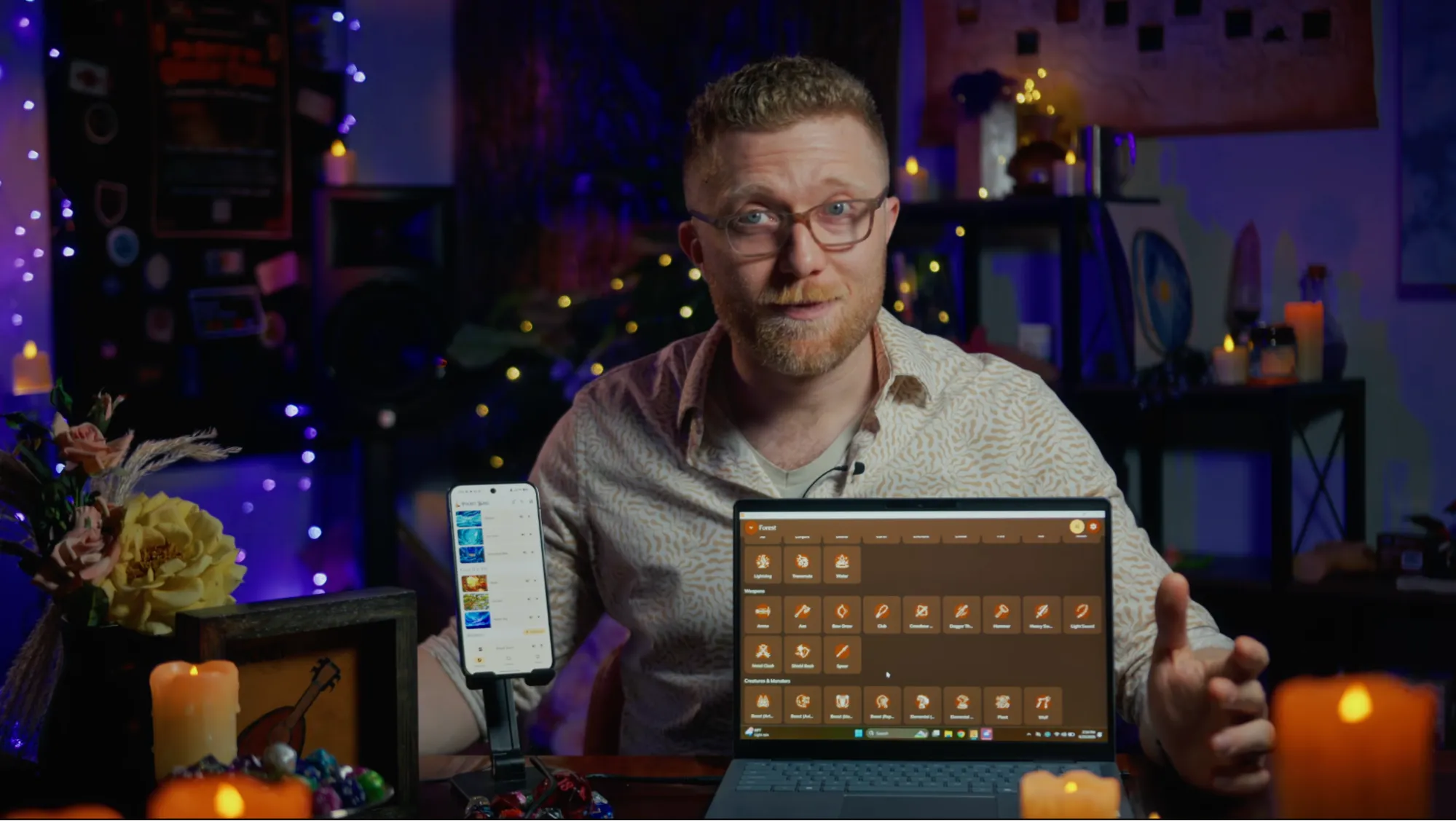
Pocket Bard is now OFFICIALLY available on Windows – the full version 3 experience. This is the same app you know from your phone and tablet, with all the features, the full library, and the simple, intuitive interface you’re used to, running natively on your desktop.
And check this out: you can download it right now, directly from our website. Just head to pocketbard.app/download, download it, and you’re running! If you have the legacy Desktop app already installed on your Windows machine – great – we will also continue our distribution on the Microsoft Store, so version 3 is just an update away for you! And if you’re a Mac user – we’ve thought of you too! We now offer two options to download Pocket Bard on Mac — one for Apple Silicon (M-series) machines and one for Intel-based machines, both now officially supported! We’re still keeping the iPad version of the app up on the Mac App Store (just in case), but we highly recommend Mac owners use the options from our website for the best experience.
And to be clear, this is not a beta. This is all of Pocket Bard, out now, on your Desktop machine. HUZZAH!
A Quick Tour
Here are a few screenshots of the UI. Hopefully things look fairly familiar! You’ve got your ambiences for layering atmospheric textures and providing a soundfloor for your game, Explore, Combat, and Victory right above your Intensity Slider, over 100 one-shots, and even our latest features, like search! (if you’d like to learn more about what everything in Pocket Bard does, check out this blog post.)
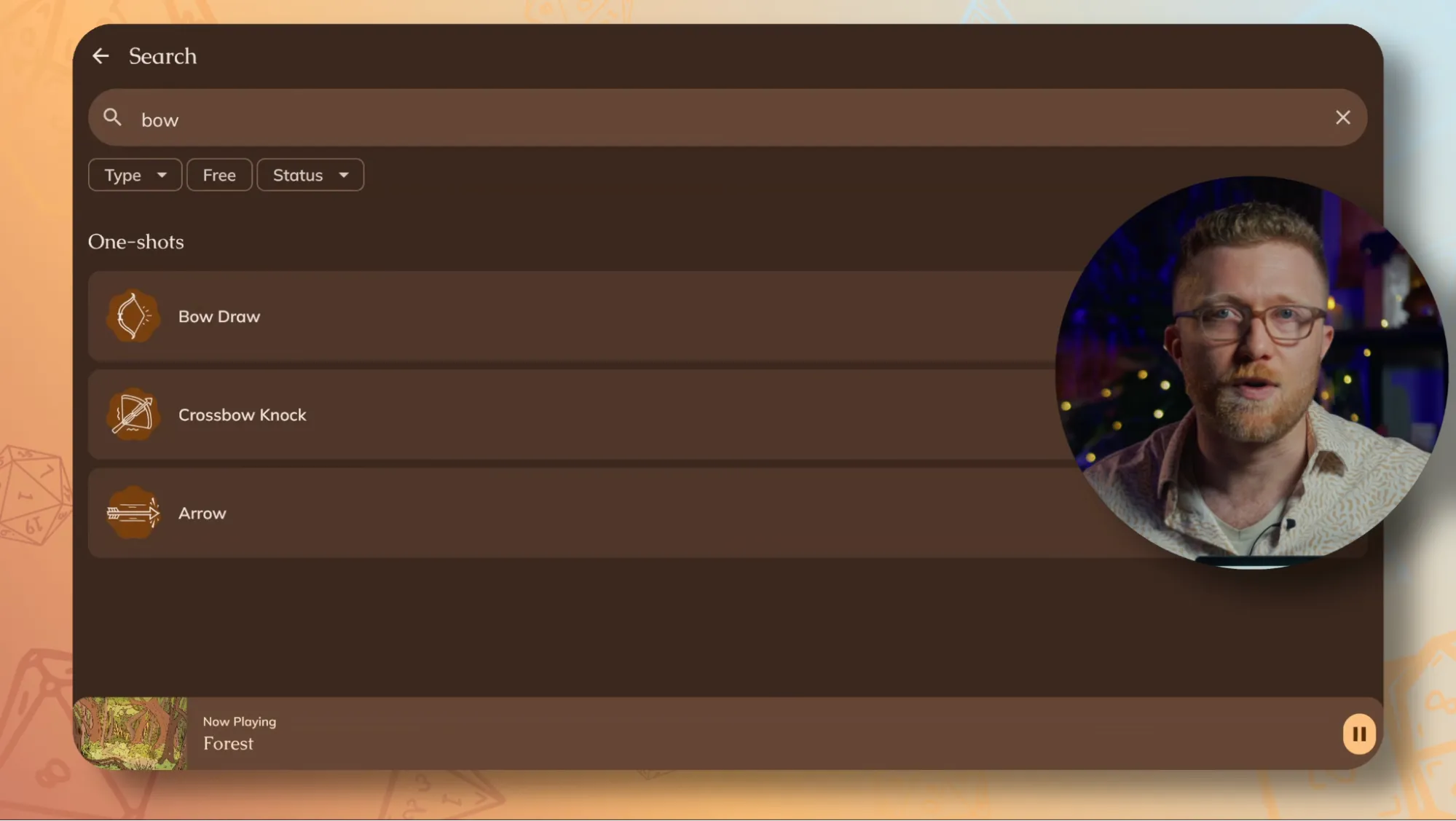
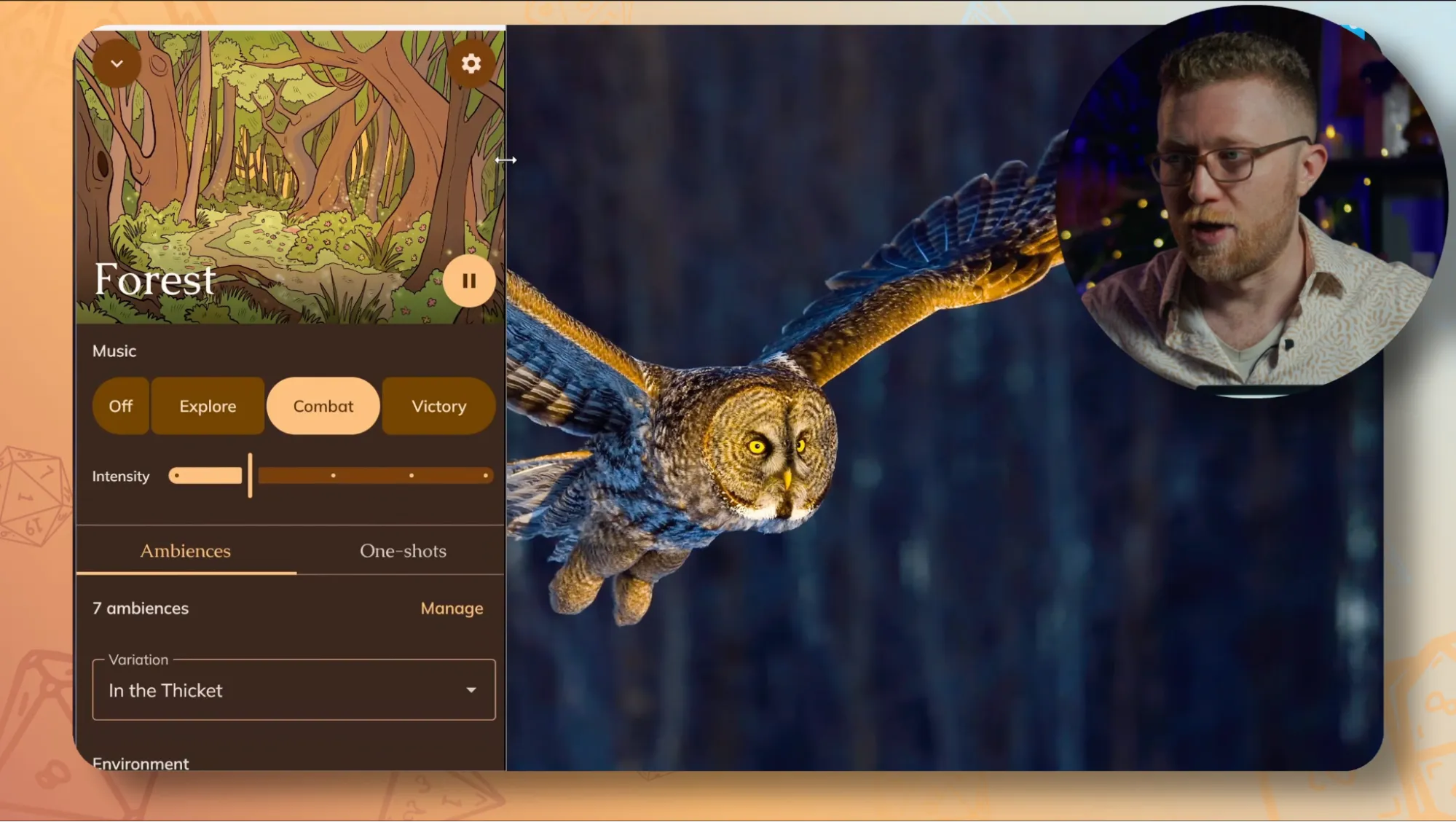
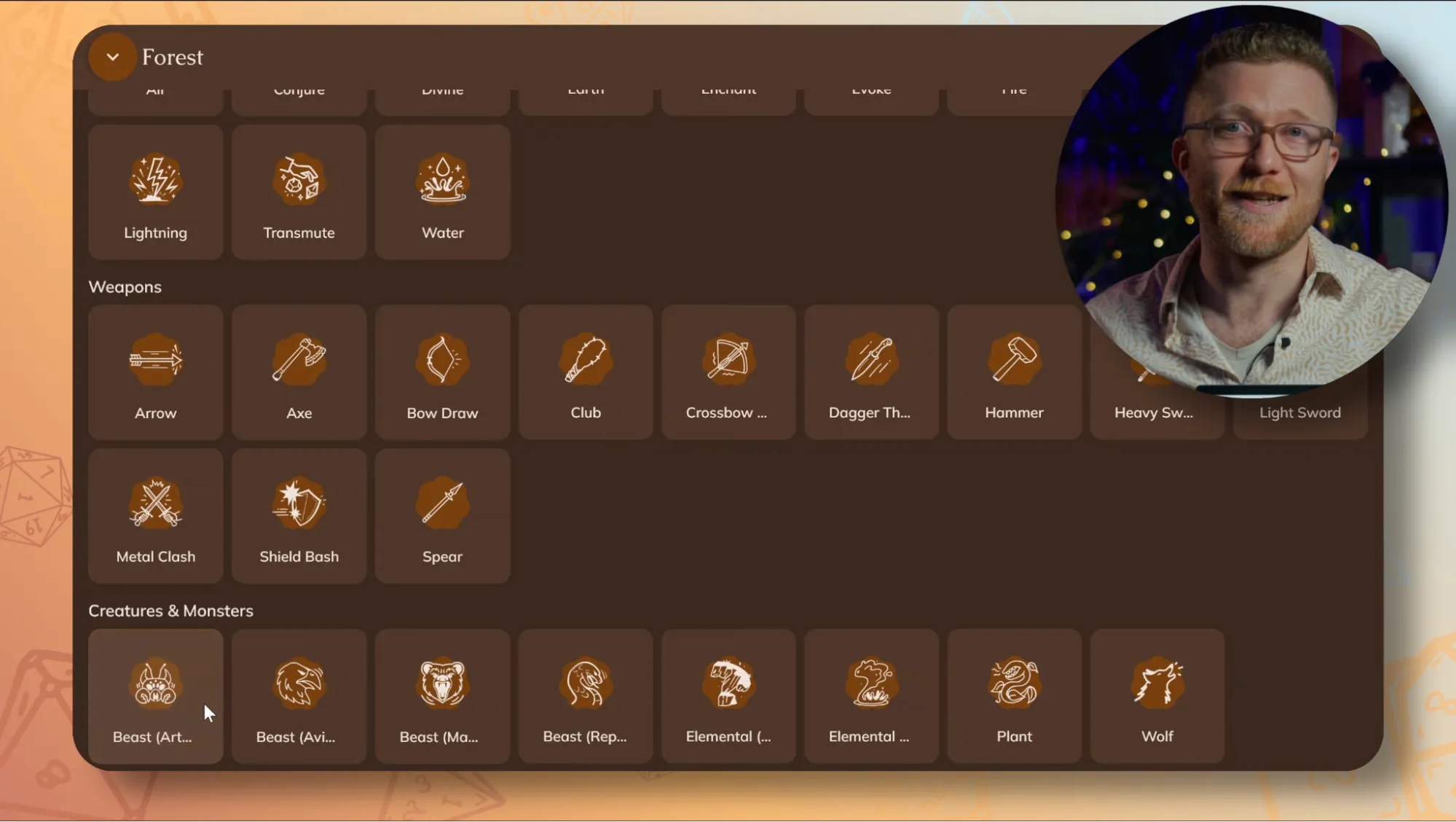
The UI is wonderfully scalable and optimized for any size of monitor you may need, so having Pocket Bard tucked away while you focus on your VTT or session notes is just a click and drag. It’s also amazing to have tons of extra real estate for those moments when you need to have quick access to dozens of One-shots. And of course, searching is now crazy easy since you probably have a keyboard right in front of you. Pretty dope!
Getting audio into Discord
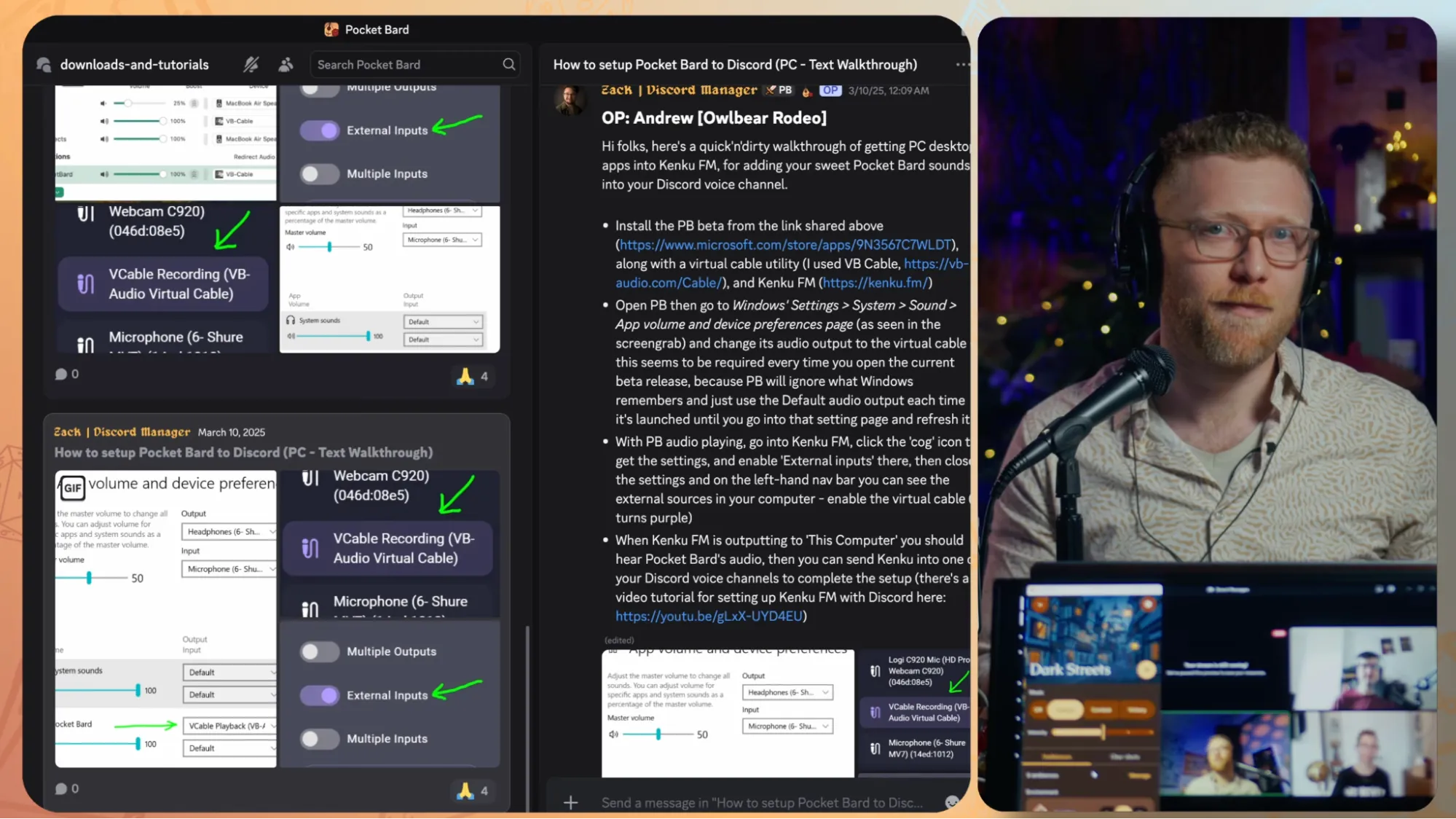
A lot of you are running online, and one of the most common questions we get is how to get Pocket Bard audio into a Discord session. The short version: you can route Pocket Bard’s audio into your call so everyone hears the same scene, in sync, no matter where they are. We put together a full step-by-step tutorial that walks you through several different setups.
The long version: we want to make something that is even simpler than this in the future. Ideally, we want a solution that’s as simple and intuitive to operate and access as the Pocket Bard app itself. I’d love to share more, but you know how it is – when it’s ready, you’ll be the first to know!
What’s Next for Desktop
As we often like to remind our community, this is only the beginning. One of our big goals this year is to go deeper into every platform, and Desktop is no exception. What you’re seeing today is just the beginning, so here’s a little look into what’s coming next:
An Elgato Stream Deck plugin. If you’re a GM who already has a Stream Deck – or if this is the thing that finally convinces you to get one – you’ll be able to map your Pocket Bard controls to physical buttons. In the coming weeks, we will be completing the work of mapping Pocket Bard’s most commonly used controls to keyboard buttons, so that means that mapping to a Streamdeck is going to be a breeze. Explore to Combat transitions, Intensity Slider levels, one-shots: all tactile, right at your fingertips. I’d personally LOVE to work on an official Pocket Bard skin to distribute through the Elgato Store in the future, but we made sure to make this option accessible to you now so you don’t have to wait!
A full redesign of the Desktop and macOS apps. The version you’re seeing today was built to get something solid and reliable into your hands as fast as possible, and we’re proud of our team for launching a product on a new platform that’s already stable and intuitive. But I think it’s worth mentioning that we have some big plans to better curate the design to shift from a touch-based one to a mouse-and-keyboard one to take the user experience even further. More on that soon.
And beyond that: media controls, AirPlay support, direct audio sharing for online play, plus a few things I genuinely can’t talk about yet. Hopefully, with the output our team has delivered on over the past few months, we’ve gained a little grace and trust with our selective messaging regarding “what comes next”. When we are ready to share, you’ll hear it here first. Promise 🙂
Thank You
We’ve been building toward this for a long time, and none of it – Desktop, the new languages, the Cozy (Lo-Fi) Collection, expanding into new genres with artists we love – happens without the community that’s been here from the start. A lot of new folks are going to be joining because of everything in this release, which is pretty amazing to think about.
So to everyone who’s been here: thank you. And to everyone just finding us today: welcome. You picked a good time to show up!
Now go download the desktop app, check out the new site, and take the Cozy (Lo-Fi) Collection for a spin. See you on Discord!